
How Do I Know If I Have a Heat Pump? Four Safe Ways to Check
You can confirm you have a heat pump if your equipment label lists an HSPF or HSPF2 rating or explicitly says “Heat Pump” or “HP,” or if the manufacturer’s…
By Mara Keene · · 14 min read
Overview
You can confirm you have a heat pump if your equipment label lists an HSPF or HSPF2 rating or explicitly says “Heat Pump” or “HP,” or if the manufacturer’s model information identifies the unit as one. An Emergency Heat or Auxiliary Heat setting on your thermostat, or an outdoor unit that runs while your home is actively heating, are strong clues that you should verify against the model information. Any one of those signals, confirmed against the manufacturer’s model information, answers the question reliably.
Before you start, gather what you can: access to the thermostat or wall controller, any owner’s manuals or service paperwork the previous occupant left behind, a safe view of the data plate on the outdoor unit, and a chance to run the system in normal Heat mode. You do not need tools, and you never need to open the equipment.
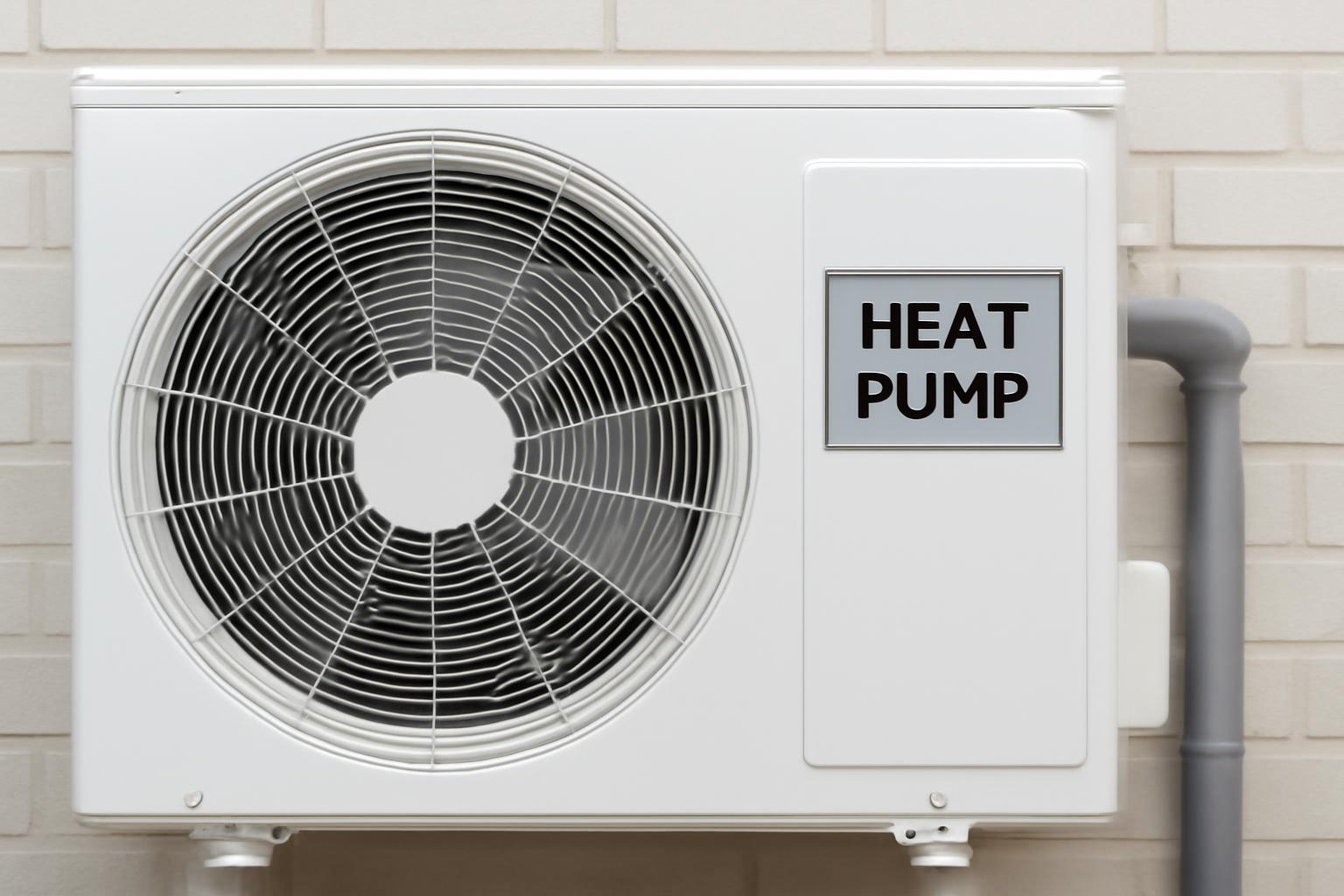
One point matters up front. Trane notes that split system heat pumps and traditional central AC units look virtually the same, so the appearance of the outdoor cabinet alone cannot answer your question. If the clues you collect conflict with each other, treat the manufacturer’s own model listing, or a technician’s confirmation, as the tiebreaker rather than guessing.
Heat pump vs. air conditioner: what you are identifying
The practical difference you are trying to spot is heating capability. Carrier explains that a heat pump can heat your home, whereas an air conditioner can only cool it. As Air Depot puts it, a standard air conditioner only provides cooling and relies on a separate furnace for heat, while a heat pump is a single dual-purpose unit that uses refrigeration technology to cool your home in summer and heat it in winter by moving heat energy rather than creating it.
That distinction is invisible from the curb. Both systems put a metal condensing cabinet with a fan outside your home, and Trane’s guidance is blunt that the two look virtually identical from the outside. The identifying differences live in places you can check safely: the thermostat’s labeled modes, the data plate’s ratings and model number, and how the outdoor unit behaves when the house calls for heat. The rest of this guide walks through those checks in order, starting with the least effort and the lowest risk.
How to identify your HVAC system in four steps
Work through the checks below in order. They move from the easiest household clues toward the only step that involves looking at the machinery itself, and most people get a confident answer before reaching the last one. Trane’s own six-item version of this process comes with the same expectation: you probably will not need every check to get your answer.
Use this checklist as your working order:
- Check the thermostat and system documents. Look for Emergency Heat, Em Heat, or Auxiliary Heat, and read any manuals or paperwork.
- Read the equipment label and look up the model number. Look for “Heat Pump,” “HP,” or an HSPF/HSPF2 rating, and search the full brand and model number.
- Observe the outdoor unit in Heat mode. Run the heat and see whether the outdoor unit operates while warm air reaches your vents.
- Treat reversing-valve inspection as a last resort. Only consider it with the system off, and stop if it requires opening anything.
Each step below tells you what a positive result looks like and where to go if the result is unclear, because several of these clues can produce misleading negatives.
Step 1: Check the thermostat and system documents
Start with the paperwork, if any exists. Trane suggests looking through whatever owner’s manuals the home seller left behind, since you may find one for a heat pump, air conditioner, air handler, or furnace, and those manuals will tell you what heating and cooling equipment you have. A manual or invoice that names a heat pump answers the question directly.
Next, look at the thermostat itself. Carrier states that if your thermostat features settings labeled “EMER” (Emergency Heat) or “AUX” (Auxiliary Heat), you almost certainly have a heat pump, because a traditional furnace-and-air-conditioner setup will not have those designations. You may also see the abbreviated form “Em Heat.” Seeing any of these labels is strong positive evidence, and it is the fastest check available to you.
The reverse does not hold, and this is where many people go wrong. Endless Energy points out that if your thermostat doesn’t have these settings, it’s still possible to have a heat pump, and you should simply move to other indicators. I Want Air Today adds a specific reason: smart thermostats like Nest or Ecobee sometimes detect your system type automatically and hide heat pump settings if they think you have a conventional system. So treat a visible Aux or Emergency Heat label as a near-certain yes, and treat its absence as no information at all. If you did not find the labels or the paperwork, go to Step 2.
Step 2: Read the equipment label and look up the model number
The data plate on your outdoor unit is the most reliable clue you can reach without running anything. Trane recommends going to the outdoor unit and finding the nameplate or sticker, likely on the top or side, then writing down or photographing the model number, serial number, and manufacturer. A phone photo is worth taking regardless, because you will want this information for any future service call.
Once you can read the plate, look for these markers:
- Explicit wording. Bryant notes that the “Model Type” or “System Type” field will often explicitly state “Heat Pump” or use the abbreviation “HP”.
- A heating efficiency rating. Trane explains that both an AC unit and a heat pump will have a SEER or SEER2 rating, but only a heat pump will have an HSPF or HSPF2 rating listed. HSPF stands for heating seasonal performance factor, and its presence means the unit heats. Carrier confirms the same test on the yellow EnergyGuide label: a label showing both SEER2 and HSPF2 ratings identifies a heat pump, while air conditioners display only cooling metrics.
- The model number itself. If the plate does not spell anything out, Trane’s advice is to search the manufacturer name and model number online, and the results will tell you whether it is a heat pump or an AC unit.
Success at this step means the manufacturer’s own information identifies your unit, either through explicit wording, an HSPF or HSPF2 rating, or a model page. That counts as confirmation, not just a clue. If the label is faded or unclear, Bryant’s fallback is to write down the model number, type it into a search engine alongside the brand name, and review the manufacturer’s product page. Use the complete model number rather than guessing from a partial code, since a few missing characters can point to the wrong product line. If the plate is unreadable even in a photo, move to Step 3.
Step 3: Observe the outdoor unit in Heat mode
If the weather calls for heating, you can identify the system by watching what happens outside. Set the thermostat to its normal Heat mode, raise the temperature enough to make the system run, and give it a few minutes. Then step outside and look and listen at the outdoor unit. Do not open, touch, or reach into the equipment. You are only observing whether it operates.
The logic is simple. Bryant explains that traditional furnaces do not use the outdoor unit when heating because they generate heat internally, so if the outdoor unit is running and making noise while warm air flows from your vents inside, you almost certainly have a heat pump. C&S HVAC frames the same test seasonally: if the outdoor unit operates in both heating and cooling seasons, you almost certainly have a heat pump. Success here is both signals together, an active outdoor unit and warm supply air indoors.
A silent outdoor unit is a weaker signal than it looks, and you should not conclude “air conditioner only” from silence alone. I Want Air Today documents the key exception: dual fuel systems switch to a backup gas furnace in very cold weather, so the heat pump may not run during your test. Their practical fix is to try again on a milder day above 40 degrees to get an accurate result. If your outdoor unit stayed quiet during heating, read the dual-fuel section under troubleshooting below before drawing any conclusion, and lean on the Step 2 model-number check for the definitive answer.
Step 4: Treat reversing-valve inspection as a last resort
Heat pumps contain one component that air conditioners do not. Trane describes it as a four-way valve that is a crucial component in a heat pump, which an AC unit will not have. Carrier describes what it looks like: a brass, multi-pronged component with three tubes on one side and one tube on the other. This reversing valve is what lets the system switch between heating and cooling.
Treat this check as optional, and only after Steps 1 through 3 have failed. The published guidance on how to do it safely is not uniform. Trane’s version says to turn the HVAC system off at the thermostat, wait for the fan to stop, and then look down into the top of the unit, while Carrier’s version says to look through the top grille “while the power is safely turned off” without specifying what that means for your particular equipment. Because the shutdown requirements differ by source and by model, follow your own manufacturer’s instructions and never look into a unit while it is running or the fan is still moving.
The stop condition is firm. If seeing the valve would require removing a panel, or you are unsure about the electrical state of the unit, do not proceed. I Want Air Today says it directly: if you’re not comfortable opening electrical equipment or aren’t sure what you’re looking at, skip this method, and a quick call to an HVAC technician can confirm your system type during a routine maintenance visit. Also note the asymmetry: clearly seeing a reversing valve is a positive identification, but failing to spot one through a grille proves nothing, because visibility varies by cabinet design.
How to verify the result before you rely on it
Before you act on your answer, check what kind of evidence you actually have. Some clues confirm the system type on their own, while others only support a conclusion when they agree with each other.
Treat these as confirmation:
- Manufacturer documentation or a model page that identifies your specific unit as a heat pump, following Bryant’s brand-plus-model-number lookup approach.
- An HSPF or HSPF2 rating on the label, since Trane states that only a heat pump will have an HSPF or HSPF2 rating listed.
- Explicit “Heat Pump” or “HP” wording on the data plate.
Treat these as strong supporting clues rather than standalone proof: an Emergency or Auxiliary Heat setting on the thermostat, and an outdoor unit that runs while the house heats. When two or more of these agree, and nothing contradicts them, you can act on the conclusion with reasonable confidence. What should not carry weight on its own is the look of the outdoor cabinet, how warm the vent air feels, or the mere presence of a furnace indoors, since Trane notes that a dual-fuel heat pump system can use a gas furnace as its backup heat source.
If any clue actively conflicts with another, for example a label that suggests a heat pump but a thermostat with no heat pump settings, do not average them out. Move to the troubleshooting section and resolve the conflict through the manufacturer’s model information or a technician’s confirmation.
Troubleshooting inconclusive or conflicting clues
A real heat pump can fail every quick check and still be a heat pump. The documented causes are specific: smart thermostats can hide heat pump settings when they misidentify the system, dual-fuel systems can leave the outdoor unit silent in cold weather, and labels or manuals can be faded, missing, or contradictory. Each failure mode has a corrective path. The subsections below cover the furnace-and-silence false negative, the fallback sequence when your clues disagree, and how the workflow changes for ductless equipment or systems that do not fit the central outdoor-unit pattern at all.
A furnace can coexist with a heat pump
Finding a furnace indoors does not rule out a heat pump. Trane explains that a heat pump’s backup heat might be electric heat strips in the air handler, or a gas furnace if you have a dual-fuel heat pump system. In a dual-fuel setup, the heat pump and the furnace are teammates, not alternatives, and I Want Air Today notes that these systems automatically switch to the backup gas furnace when outdoor temperatures drop below a certain threshold.
Here is how the false negative plays out. Suppose you run the Step 3 test on a cold morning: the house heats, you find a gas furnace in the basement, and the outdoor unit never makes a sound. The obvious conclusion, furnace plus air conditioner, may be wrong, because a dual-fuel system behaves exactly this way in cold weather. The heat pump exists, it is simply not the component doing the work at that temperature.
The fix is one of two actions. Either repeat the observation in milder conditions, following I Want Air Today’s suggestion to try again on a milder day above 40 degrees, or skip the behavioral test entirely and identify the outdoor unit by its model number, which does not depend on the weather. If the model lookup says heat pump while a furnace sits indoors, you likely have a dual-fuel system, and that is worth mentioning to any technician you call.
The thermostat, label, and operation do not agree
When your clues contradict each other, or the manual is missing and the data plate is unreadable, stop weighing hunches and switch to a documentation-first fallback. The goal is a matching manufacturer specification or a professional confirmation, not a best guess.
Work through this sequence:
- Capture the clearest label information you can. Photograph the data plate, following Trane’s advice to write down or photograph the model number, serial number, and manufacturer. A photo often reveals characters your eye missed.
- Search the complete brand and model number. Bryant’s method for faded or unclear labels is to type the model number into a search engine alongside the brand name and review the manufacturer’s product page. The manufacturer’s listing outranks the thermostat display, because smart thermostats can hide heat pump settings when they misidentify the system.
- Ask a professional if the equipment still cannot be identified. I Want Air Today notes that a quick call to an HVAC technician can confirm your system type during a routine maintenance visit. When you call, share your data plate photo and describe what you observed in each step; that lets the technician resolve the conflict quickly.
Treat the process as complete only when the manufacturer’s own information or a technician’s inspection matches what you see. A conflicting set of clues that never gets resolved is not an identification, and acting on it can lead to the wrong maintenance request or thermostat habits.
Ductless mini-splits and the limits of this workflow
If your system is a ductless mini-split, a wall-mounted indoor unit with its own remote or controller, the identification path is shorter. I Want Air Today’s guidance is to check the remote control or wall controller that came with the indoor unit: if you see a Heat mode option alongside Cool and Fan modes, the system is a heat pump. The same source notes that you can also check the EnergyGuide label on the outdoor condenser using the SEER and HSPF method described earlier, and that the model-number lookup approach works as well, since manufacturers use similar HP and AC naming conventions across their mini-split product lines. Be aware that this mini-split workflow rests on a narrower evidence base than the central-system steps, so if the controller and label disagree, fall back to the manufacturer’s model listing.
The four-step workflow in this guide is built around a conventional central split system with an outdoor condensing unit. It is not a complete identification method for geothermal or water-source heat pumps, packaged or rooftop units, or apartment and condominium buildings where the outdoor equipment is shared or inaccessible. For those configurations, rely on the equipment’s own documentation, the building manager’s records, or a qualified technician rather than adapting these steps to hardware they were not written for.
What to do after you confirm it is a heat pump
Once you have your answer, put it to work. First, record the confirmed manufacturer, model number, and serial number somewhere you can find them. Trane points out that the model and serial number can also tell you how old the unit is, which helps you weigh repair against replacement if something goes wrong, and having the numbers ready makes every future service call faster.
Second, adjust how you use the thermostat. Run the system in its normal Heat and Cool modes and let it manage its own backup heat. Carrier’s guidance is that knowing you have a heat pump helps you avoid manually switching to Emergency Heat unless absolutely necessary, which saves significant energy, and Bryant adds that proper programming prevents the inefficient use of backup heating.
Third, plan maintenance around year-round operation rather than a single cooling season:
- Carrier notes that standard AC units need maintenance primarily in the spring, while heat pumps run year-round and benefit from bi-annual service.
- Trane recommends scheduling professional heat pump maintenance visits each fall and each spring, and hiring an HVAC company with expertise in heat pumps.
When you book that visit, tell the company you have a heat pump, mention whether you suspect a dual-fuel setup, and ask them to confirm the system type and walk you through the thermostat’s backup-heat behavior. Identification was the hard part; from here, the right vocabulary gets you the right service.